GNU Terry Pratchett
GNU Terry Pratchett
A man is not dead while his name is still spoken.
GNU Terry Pratchett is a small tribute project that keeps Sir Terry
Pratchett's name — and, by extension, Discworld's Clacks towers — alive in the fabric of the web. Sites that
join in add an X-Clacks-Overhead HTTP header to their pages, the same idea as the nginx directive:
add_header X-Clacks-Overhead "GNU Terry Pratchett" always;
This app is the Frappe/HRMS equivalent: enable it once and every rendered page quietly carries the header,
with no template changes anywhere else in the codebase.
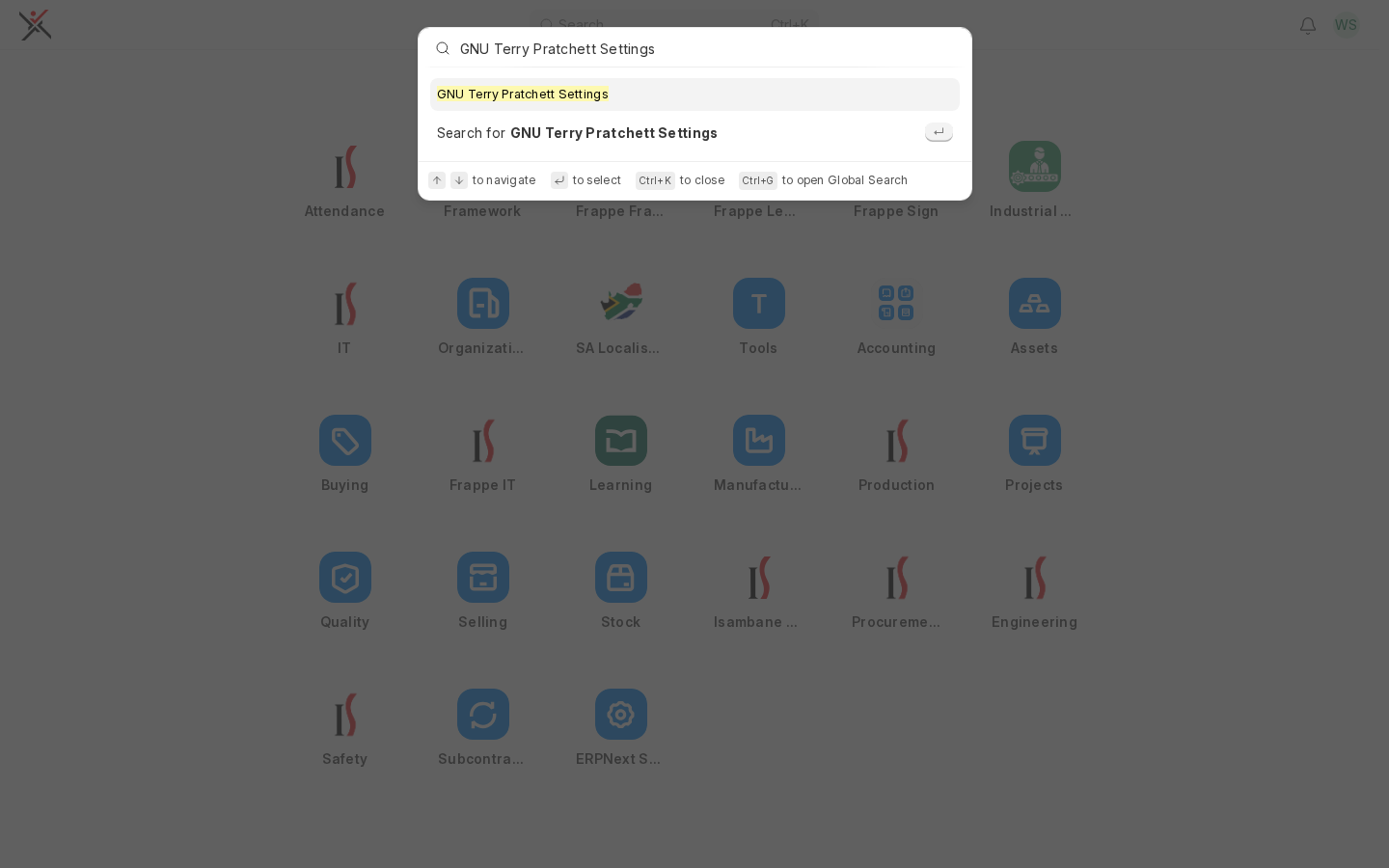
Finding the settings
The app has no desktop icon and no Workspace entry on purpose — it's one small settings page, not
something to browse to. Open the Awesome Bar (press Ctrl+K, or click Search in the sidebar) and
type GNU Terry Pratchett Settings:
Configuring it
The settings page is a singleton with three things to set:
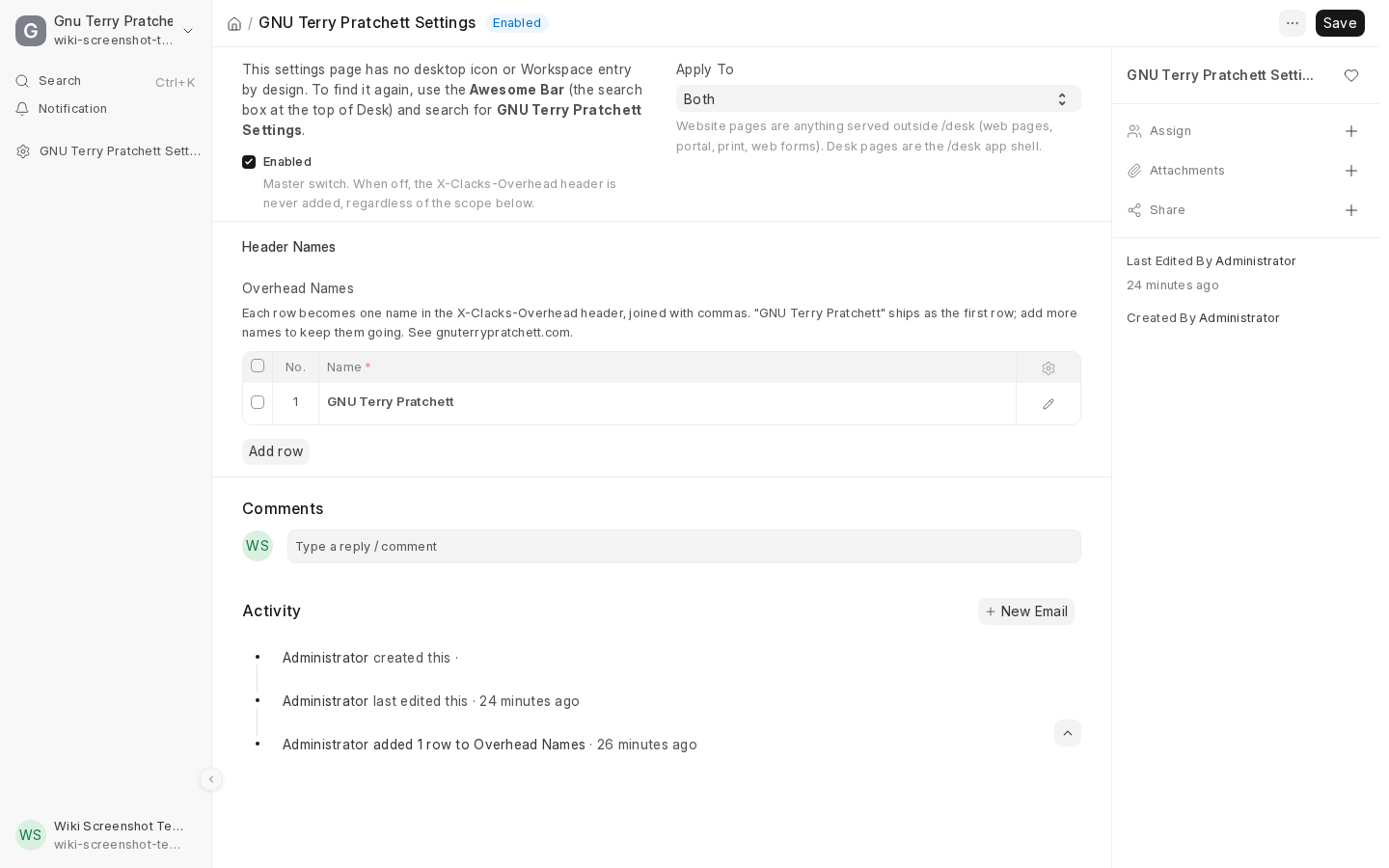
- Enabled — the master on/off switch. Off means no header is ever added, regardless of scope.
- Apply To —
Both,Website Pages Only, orDesk Pages Only. Website pages are anything served
outside/desk(portal pages, web forms, print views, the site in general); desk pages are the/desk
app shell itself. - Overhead Names — a table of names.
GNU Terry Pratchettships as the first row on install; add more
rows to remember more people. All rows are joined with commas into one header value, e.g.
X-Clacks-Overhead: GNU Terry Pratchett, GNU Some Other Name.
Only the System Manager and Website Manager roles can view or change these settings. The header
itself is not permission-gated — once enabled, it's added to every matching response for every visitor,
logged in or not, since it's a plain response header rather than a document operation.
Checking it's actually working
From a terminal:
curl -sI https://your-site.example/ | grep -i x-clacks-overhead
curl -sI https://your-site.example/desk | grep -i x-clacks-overhead
Or open the site in a browser, open DevTools → Network, reload, and check the response headers on the top
document request. It should be absent on /api/* responses — those aren't HTML pages, so the app
deliberately skips them.
If the header is missing everywhere, check that Enabled is checked and that Overhead Names has at
least one row — the settings page refuses to save "Enabled" on with an empty list.