Cancelling a Request
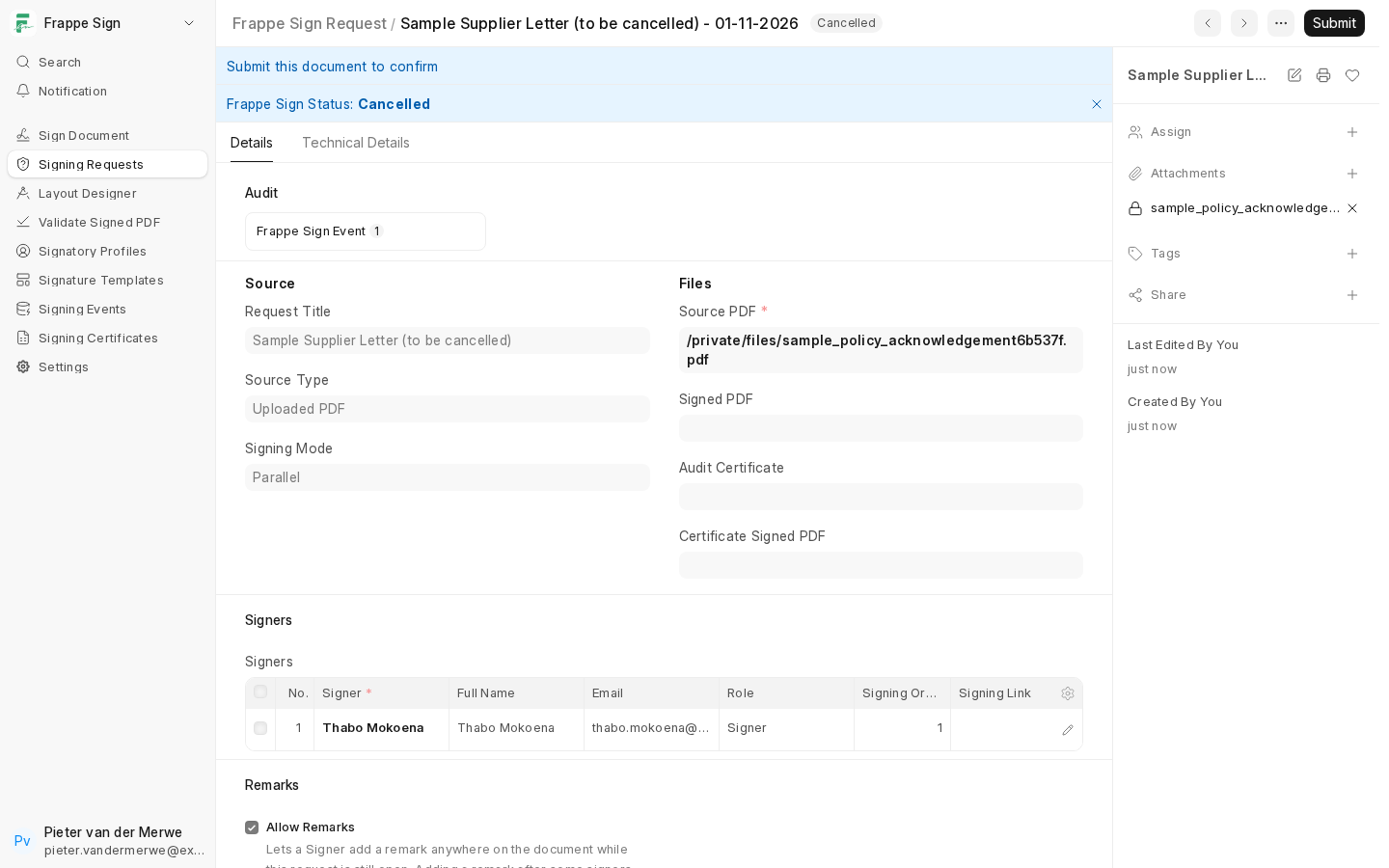
A signing request can be cancelled while it hasn't concluded yet. Cancelling stops further signing, marks every signer who hasn't signed or declined as Skipped, records Cancelled On, and appends a Cancelled event to the audit trail. Signers' links stop working.
Who can cancel
- A Frappe Sign Manager (or System Manager) can cancel any request that hasn't concluded.
- A Frappe Sign Sender can cancel a request they created.
Completed, Declined, Expired, Cancelled and Failed are terminal states and can't be cancelled.
Cancel Request
For a request in Draft, Prepared, Sent, Viewed, Partially Signed or Changes Added, use Frappe Sign → Cancel Request:
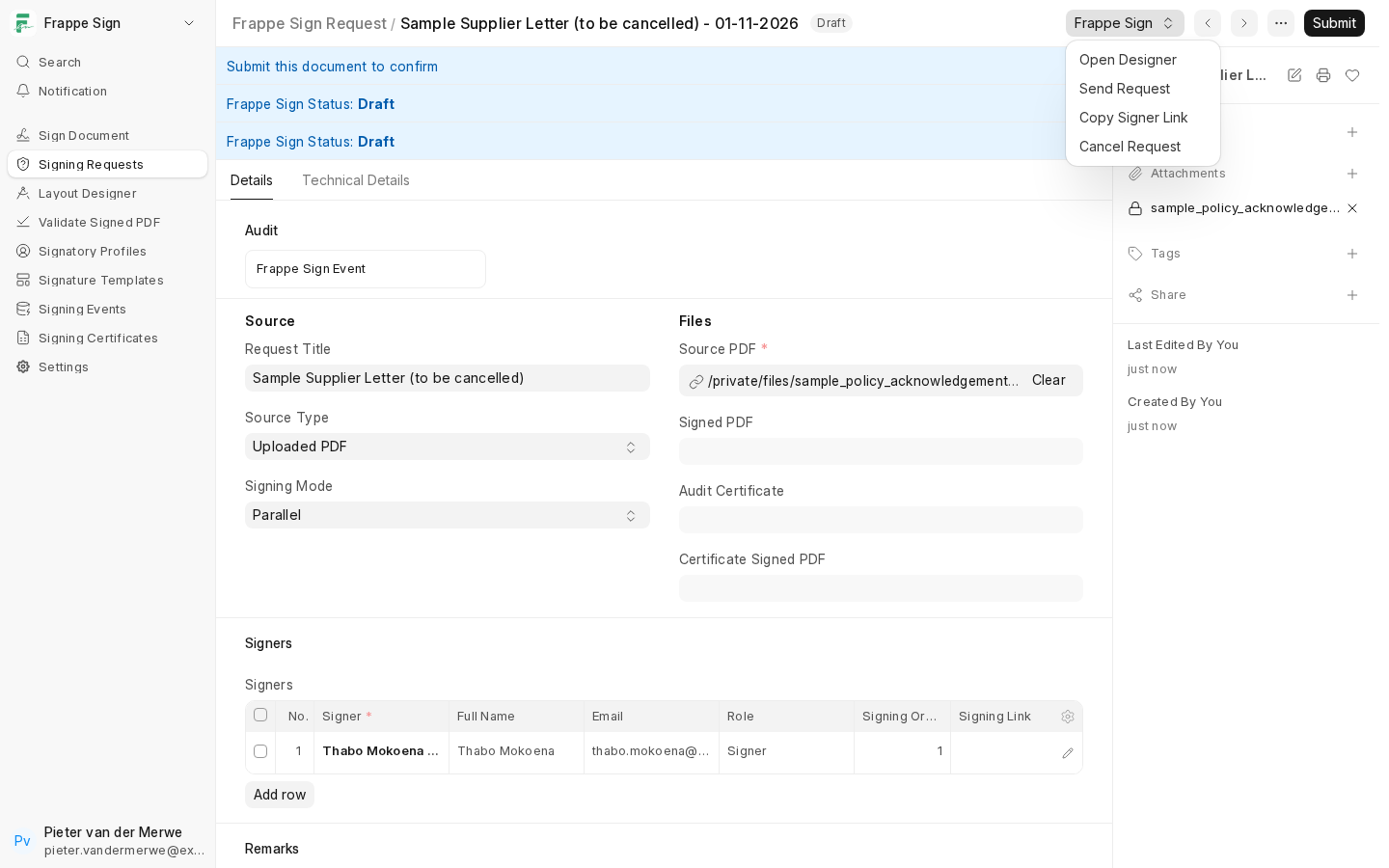
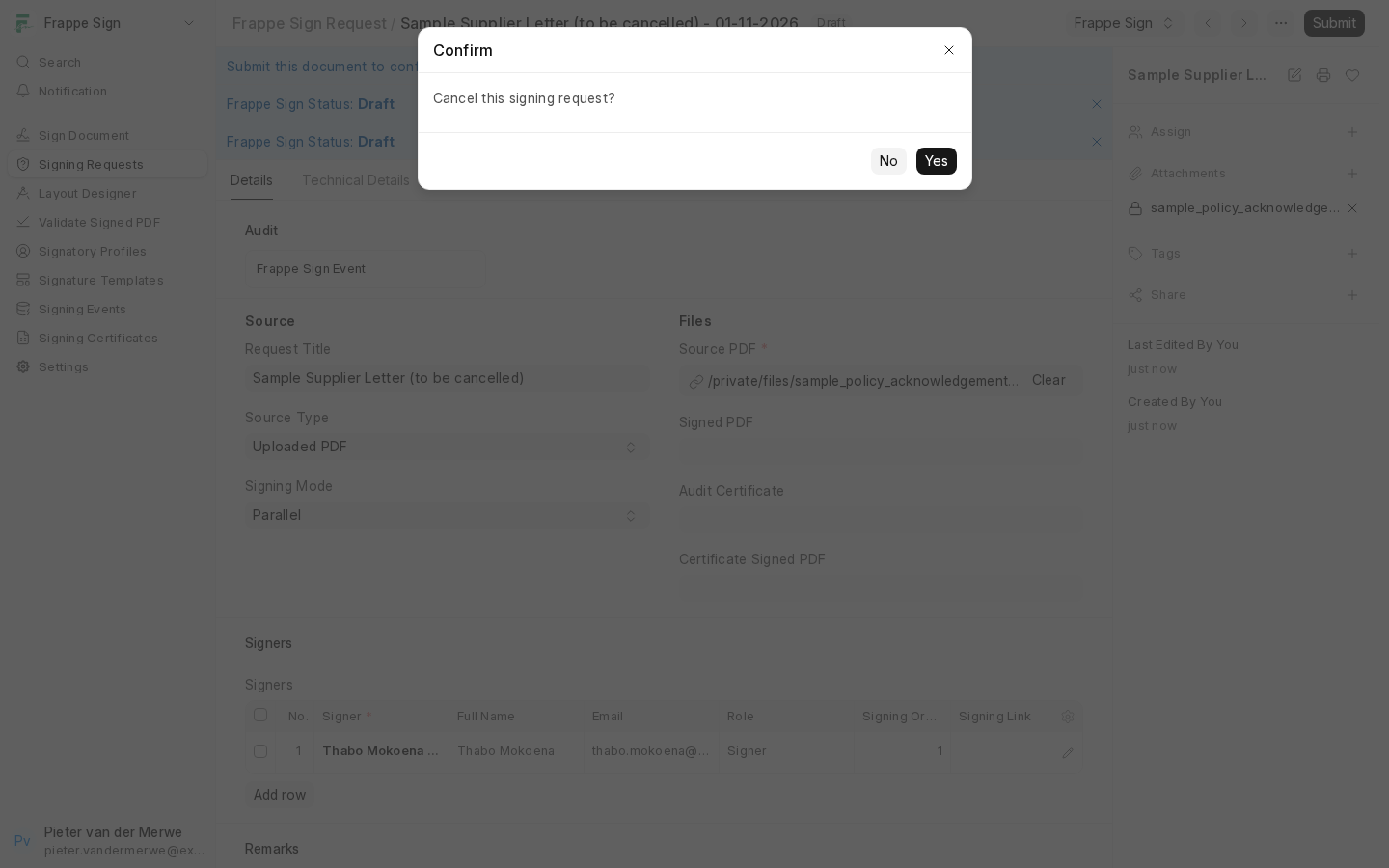
Confirm when asked:
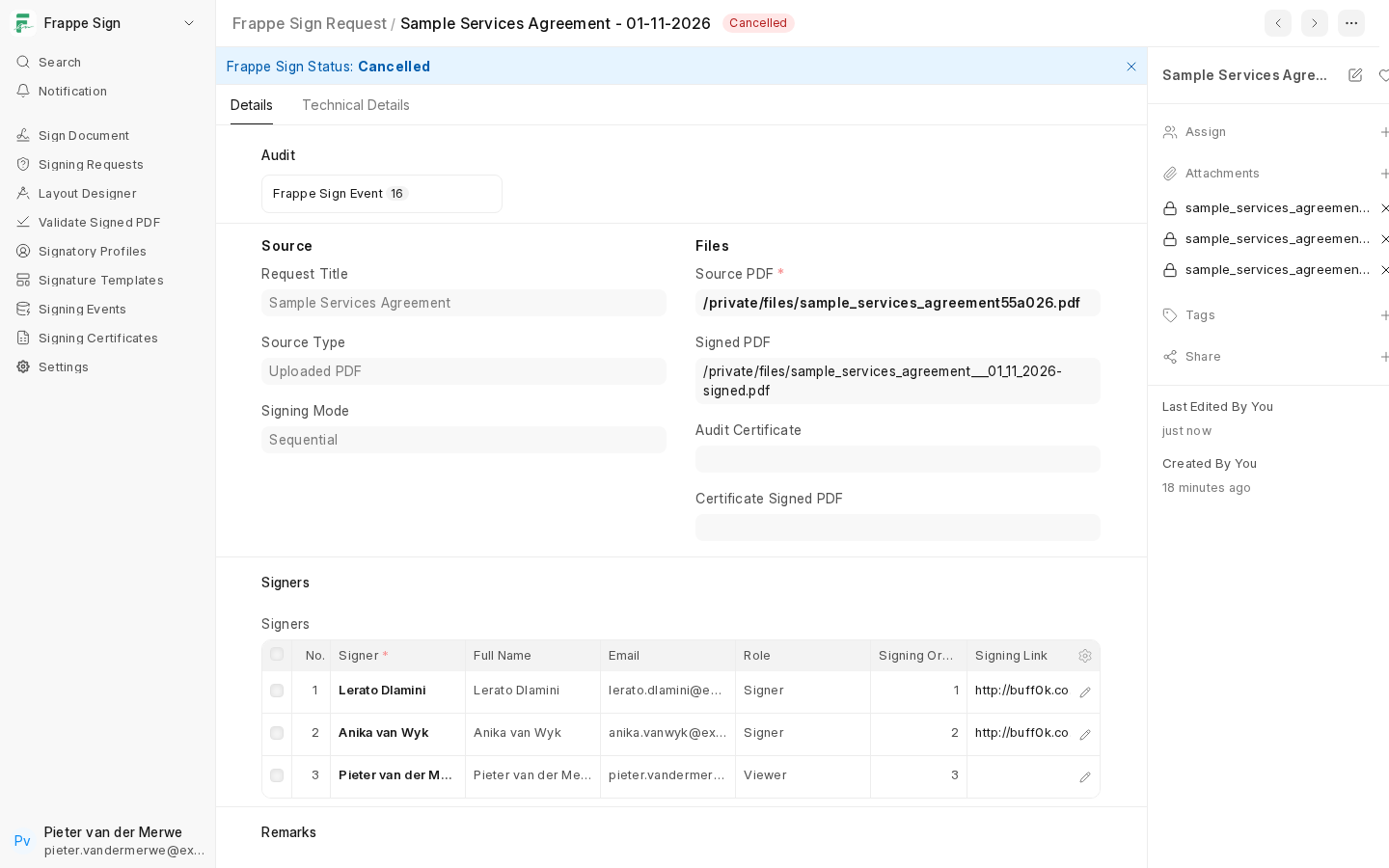
The request shows Cancelled, and unsigned rows are Skipped:
Discarding or cancelling with Frappe's standard actions
Frappe's own ⋯ → Discard (for a request that has not been submitted) and Cancel (for a submitted one) now do the same bookkeeping as Cancel Request: the Frappe Sign status becomes Cancelled, unsigned signers become Skipped, and a Cancelled event is recorded. Earlier versions only changed the document's state, which left such requests sending daily reminders indefinitely.
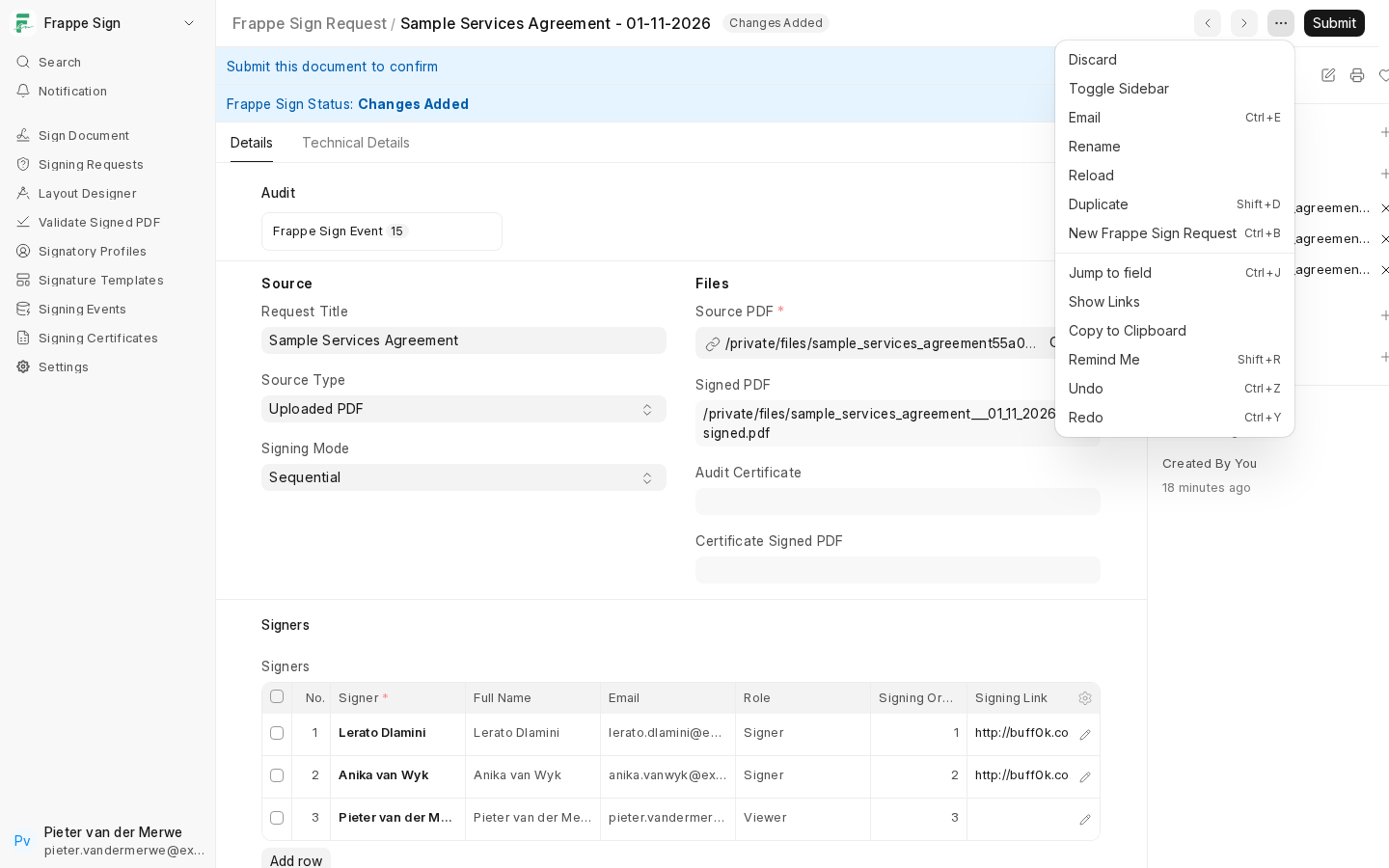
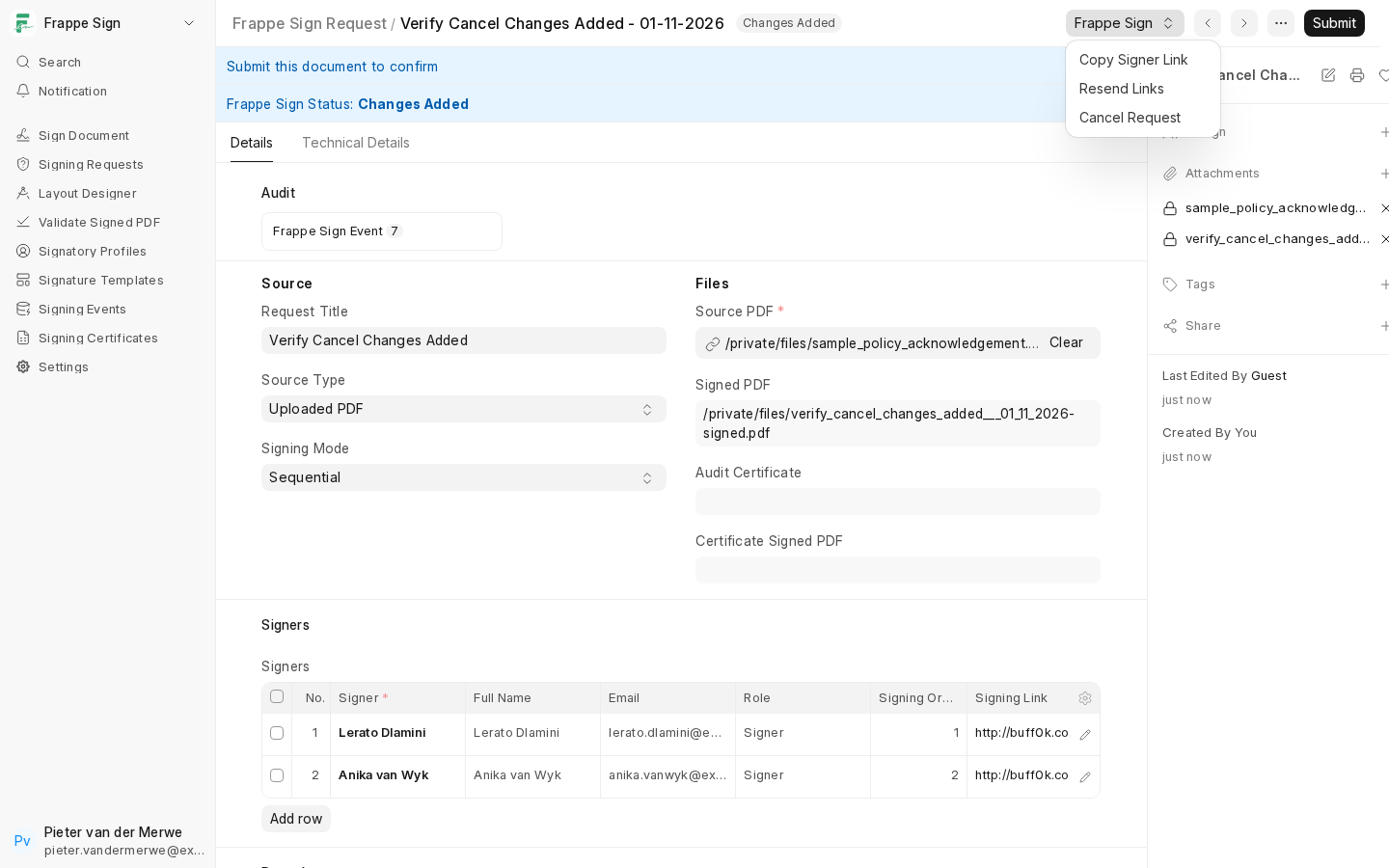
Cancel Request is also available while a request is in Changes Added (after a remark), next to Copy Signer Link and Resend Links:
Next: see how completed requests can be checked independently. See Validating Documents.