Tamper Detection & Notifications
Tamper detection
With Enable Tamper Detection on in Settings, Frappe Sign checks whether stored files still match the hashes it recorded when they were generated: the Source PDF, Signed PDF, Audit Certificate and Final Verification PDF, on both Frappe Sign Request and Frappe Sign Certificate records.
Tamper status is one of:
Not Checked
Passed
Failed
A status change is recorded as a comment on the record. If a check turns to Failed, the creator of the affected request is emailed.
Scheduled checks
The daily run_scheduled_tamper_checks job is registered by the app itself; there is nothing to add to hooks.py. It checks concluded requests and their certificates whenever Enable Tamper Detection is on, provided the site's scheduler is enabled.
Manual checks
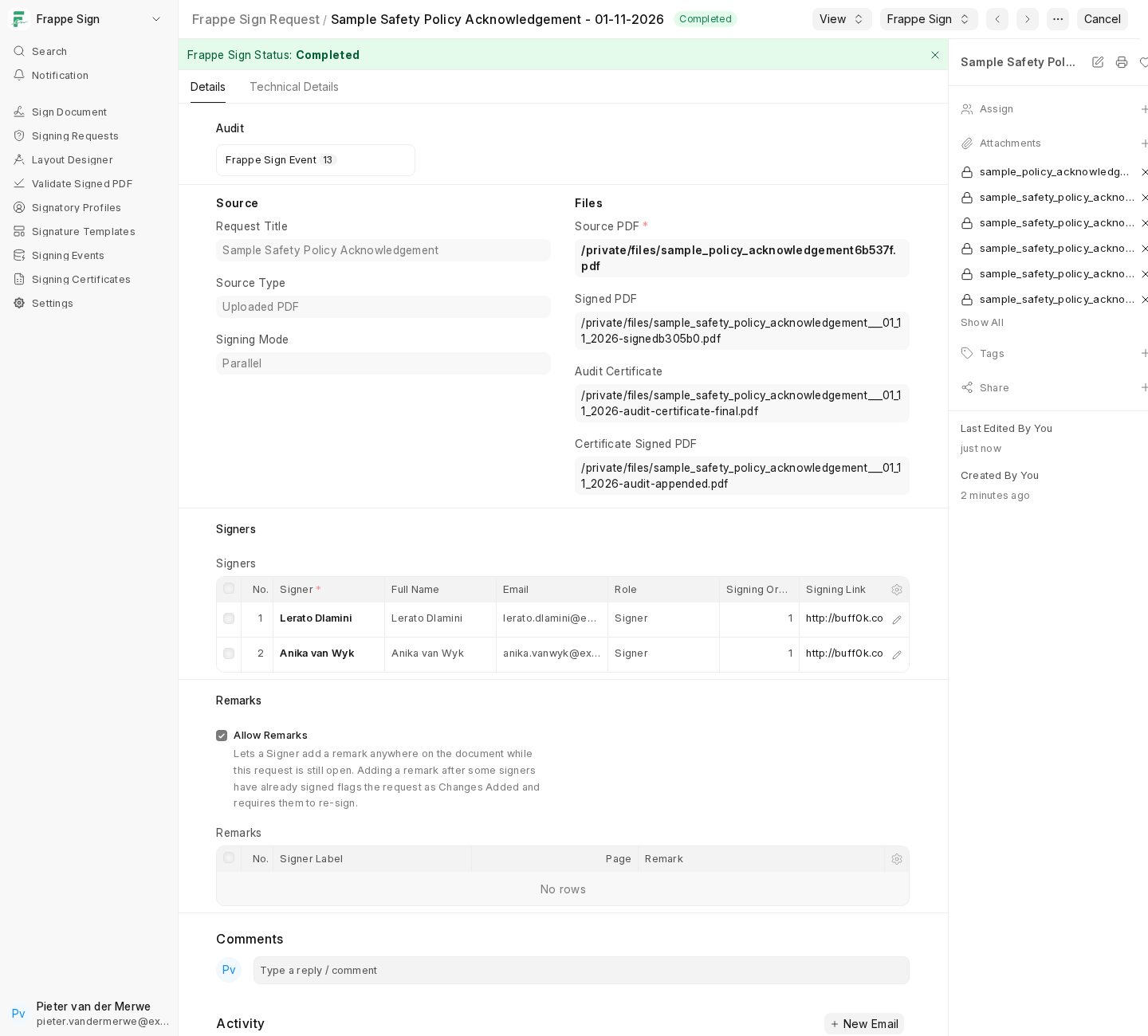
Frappe Sign Request and Frappe Sign Certificate both have a Verify Tamper Status action under the Frappe Sign menu. It runs the check immediately, even on submitted or locked records, which is handy for spot-checking one document.
Notifications
Frappe Sign sends these emails through the site's outgoing email account:
| Sent to | When | |
|---|---|---|
| Signing request | Each Signer who can sign now | When the request is sent, and when Resend Links is used. In sequential requests, the next order's signers are emailed (with a freshly generated link) as soon as the previous order finishes. |
| Reminder | Each Signer who can sign now | Daily job, at most once every Default Reminder Days per signer, including signers who must re-sign after a remark. Overdue requests are expired instead of reminded. |
| Please re-sign | Signers who had signed before a remark was added | When a remark is added. See Remarks & Re-signing. |
| Declined | The request's creator and the other Signers | When a signer declines, including their reason. |
| Completed | The request's creator and every Signer | On completion, with the final package or the signed PDF and audit certificate attached. |
| Tamper check failed | The request's creator | When a tamper check result becomes Failed. |
Viewers and Approvers are not emailed. Completion and decline emails never contain signing links.
This is the last page of the walkthrough. For quick look-ups, see Statuses & Events and Troubleshooting & Known Issues.