Getting Started
Navigating IR
Industrial Relations has one sidebar for the whole app, opened from the Industrial Relations tile on the apps screen. Each item opens a workspace of shortcuts, a page or a list.
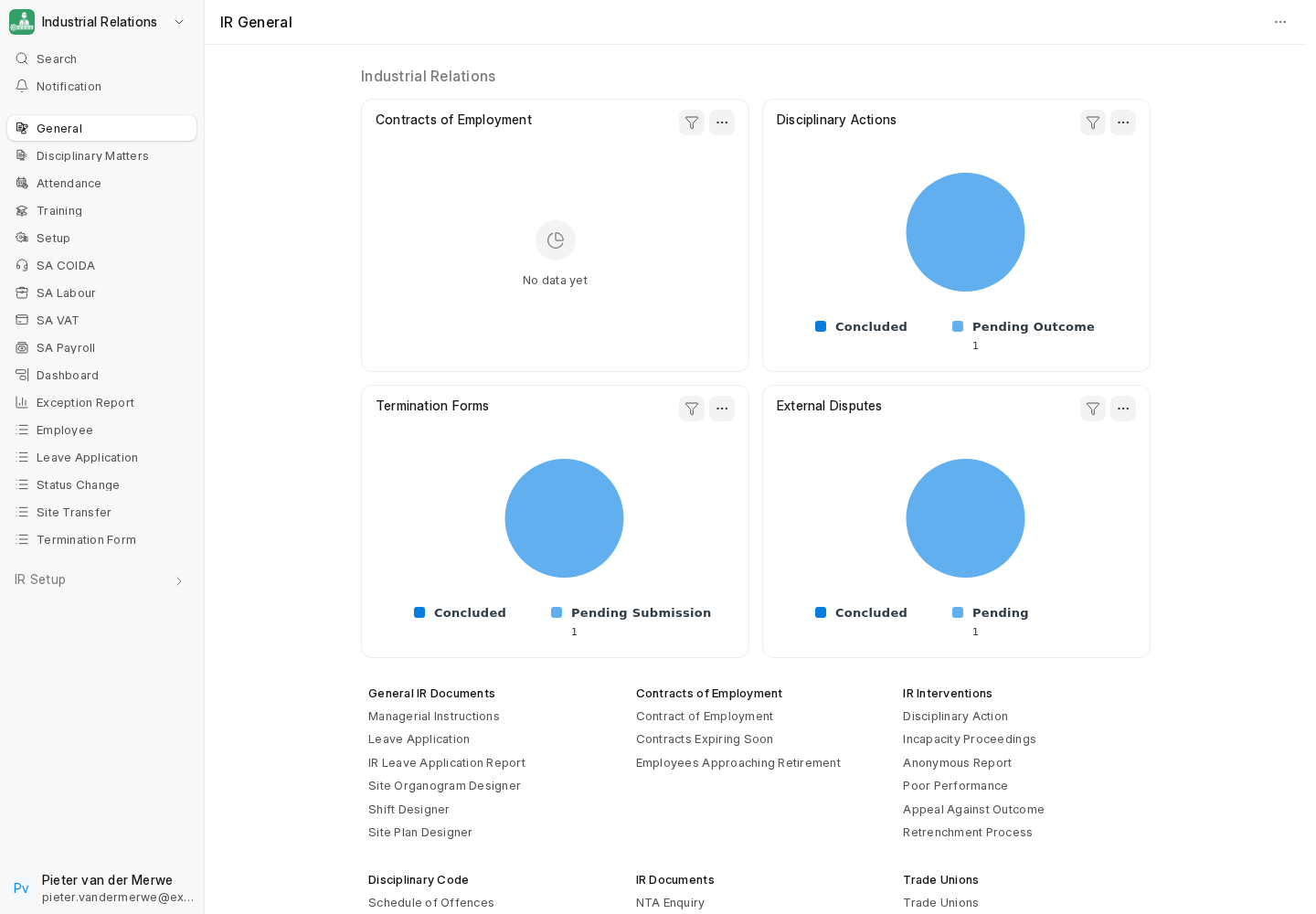
| Sidebar item | What's there |
|---|---|
| General | Charts for contracts, disciplinary actions, terminations and disputes, and shortcuts to every IR document, the designers, contracts and reports. |
| Disciplinary Matters | The Disciplinary Action workflow, every outcome form, the Schedule of Offences and trade unions. |
| Attendance | Monthly Attendance, check-ins, Shift Types, Leave Applications and the Shift Designer. |
| Training | Induction records, induction tracking, the Training Matrix and the Training Compliance Dashboard. |
| Setup | Master data: the disciplinary code, dispute masters, Employee Rights, IR Role Restrictions, contract templates, KPIs, training masters, and payroll-cost settings. |
| SA COIDA, SA Labour, SA VAT, SA Payroll | The South African localisation workspaces. See Finding Your Way: SA Workspaces. |
| Dashboard | The IR dashboard charts. |
| Exception Report | The HR Exception Report. |
| Employee, Leave Application, Status Change, Termination Form | Direct links to the lists used most often. |
Which items and shortcuts appear depends on your roles.
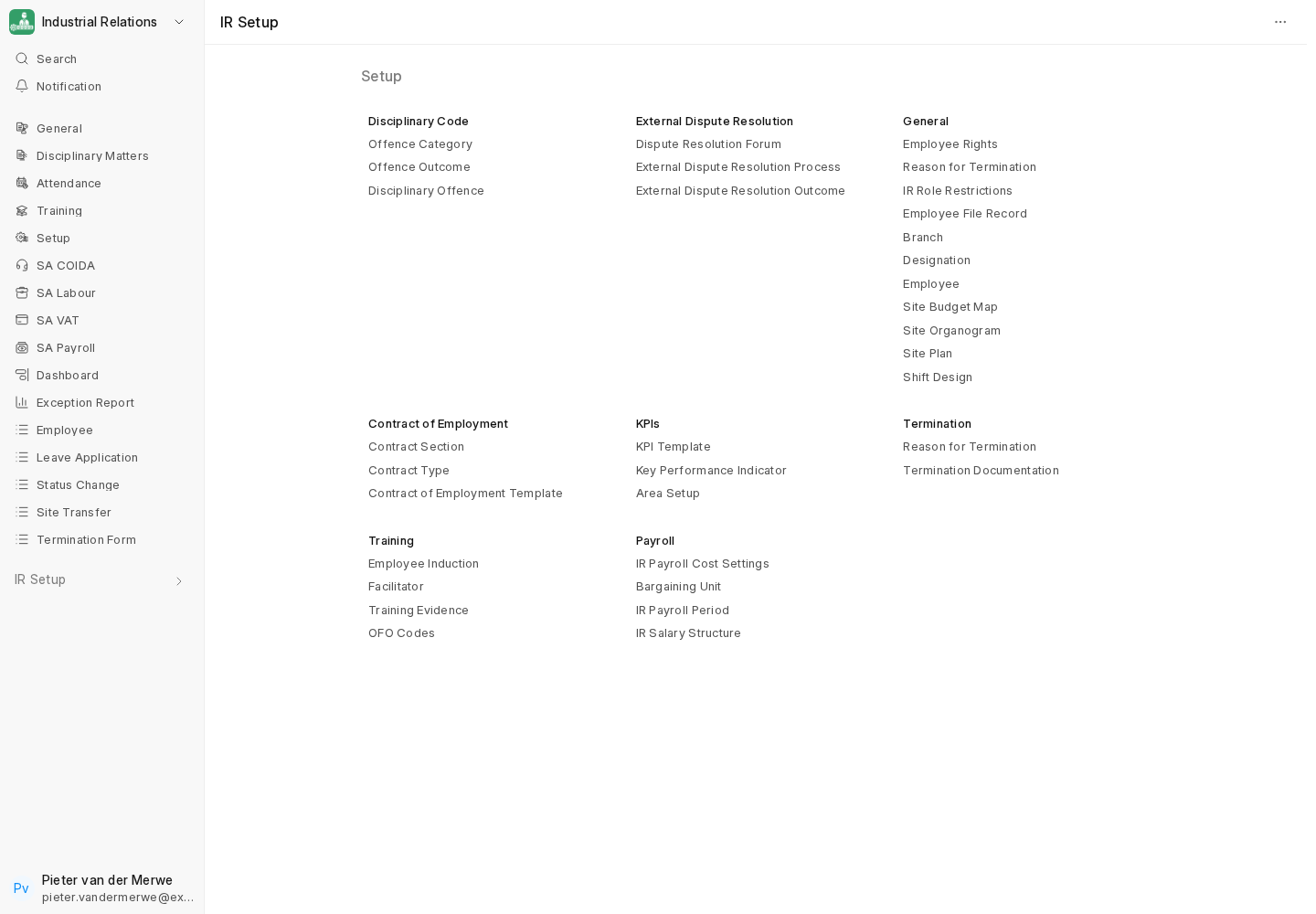
Designers and dashboards
Several features are full-screen pages rather than ordinary forms:
- Shift Designer, Site Plan Designer and Organogram Designer. See Workforce Planning.
- Branch Staffing Dashboard. See Branch Staffing Dashboard.
- Training Compliance Dashboard. See Training Matrix.
- HR Exception Report. See HR Exception Report.
Employee connections
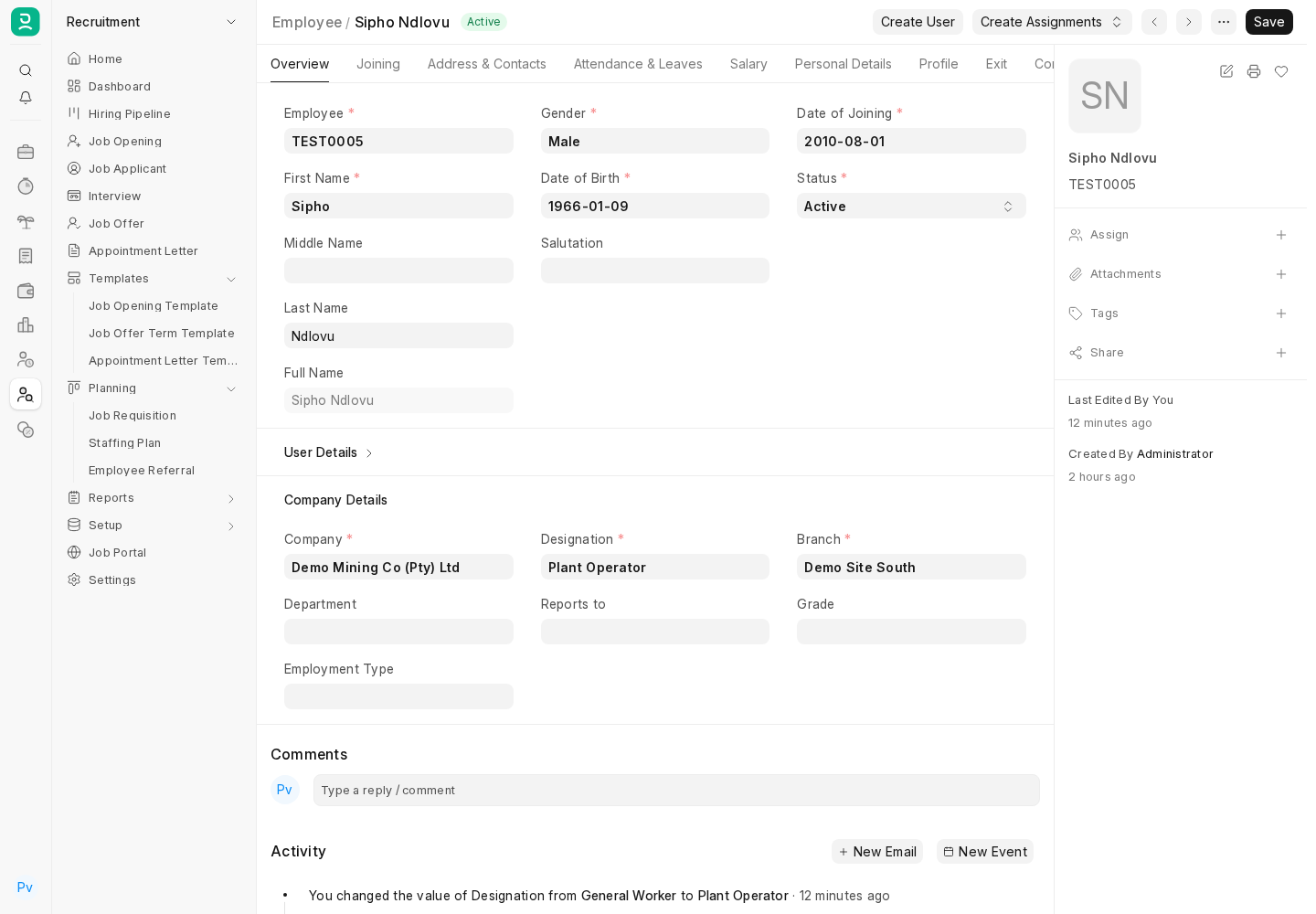
Every IR document is linked from the Employee record's Connections, so you can see an employee's cases, contracts, changes, inductions, disputes and payroll documents in one place.
Last updated 2 weeks ago
Was this helpful?