Payroll Reports
Found in the SA Payroll workspace. Use these to review a run, reconcile to the ledger, and prepare statutory submissions.
| Report | What it shows | Use it to |
|---|---|---|
| Payroll Register | Every employee's earnings, deductions, net pay and statutory amounts for the period | Review the whole run; reconcile to the General Ledger. |
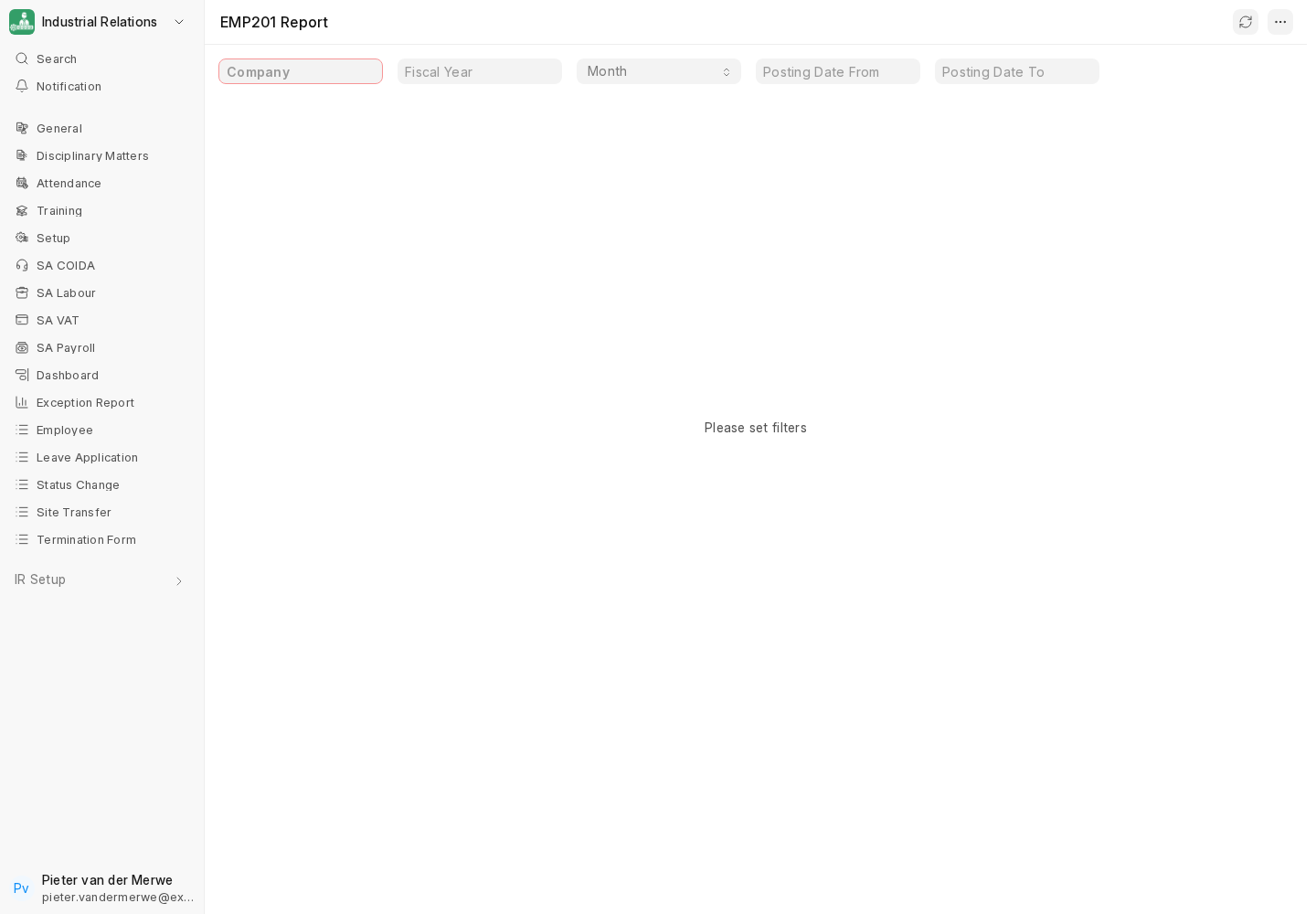
| EMP201 Report | PAYE, UIF, SDL and ETI totals for the month | Prepare and check the monthly EMP201. |
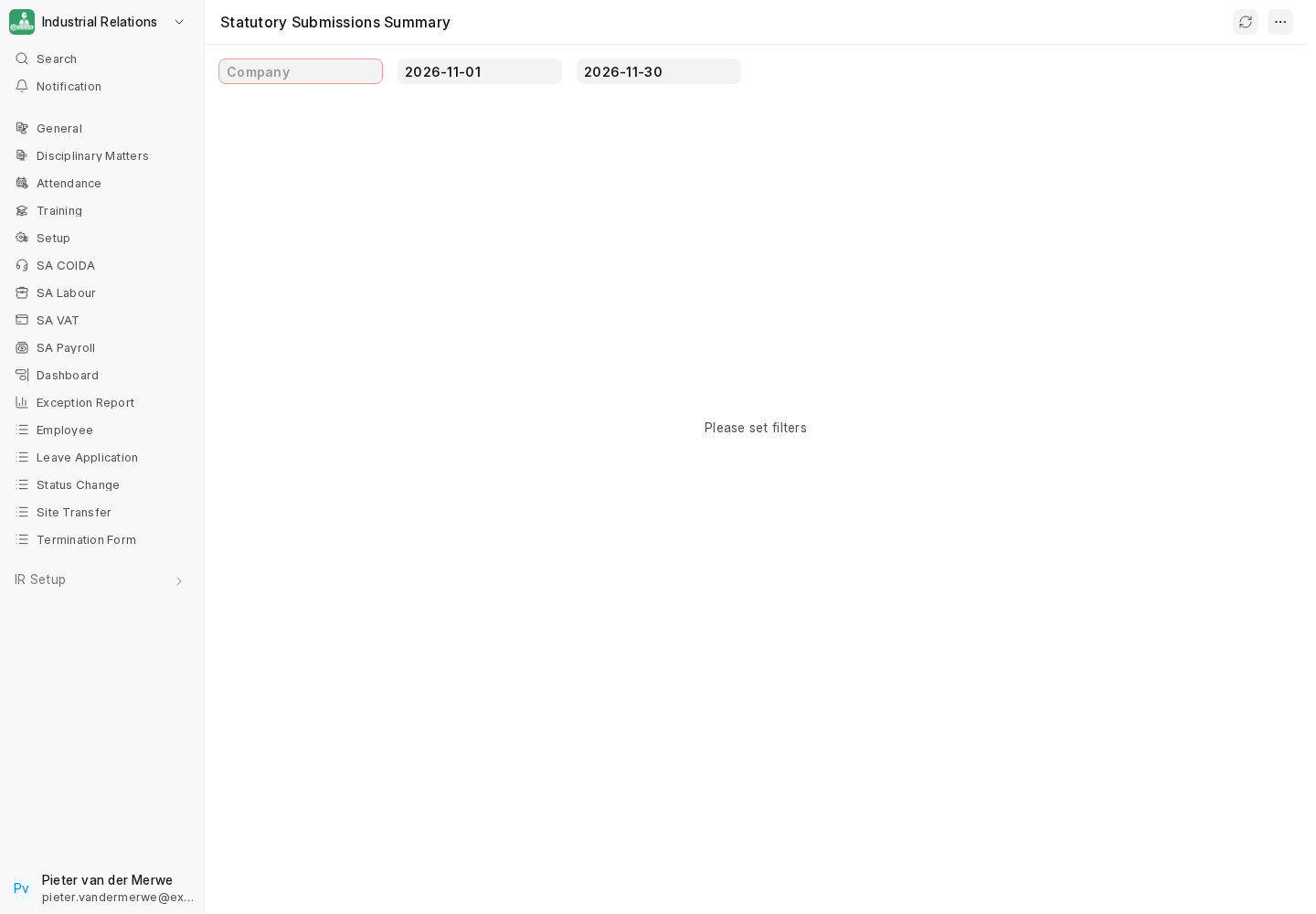
| Statutory Submissions Summary | Consolidated statutory totals across periods | See PAYE/UIF/SDL/ETI trends and coverage. |
| Retirement Fund Deductions | Retirement contributions by employee/component | Reconcile against the fund's schedules. |
| Department Cost Analysis | Payroll cost by department | Management and budgeting. |
Standard HRMS reports (Salary Register, Bank Remittance, Income Tax Computation) are also available.
Month-end reconciliation routine
- Payroll Register totals = General Ledger payroll postings.
- PAYE Payable – SARS balance = EMP201 PAYE.
- UIF (employee + employer) = EMP201 UIF; SDL = EMP201 SDL.
- ETI total = the monthly ETI summed across slips.
- Payroll Payable = the EFT batch net pay.
When these tie out, you're ready to declare on the EMP201.
Tips
- Filter by company and the payroll period (and department where useful).
- Run the Payroll Register before submitting the Payroll Entry to catch outliers early.
Next
Last updated 2 weeks ago
Was this helpful?