VAT Reports
Found in the SA VAT workspace. Use these to prepare and check the VAT201 return.
| Report | What it shows | Use it to |
|---|---|---|
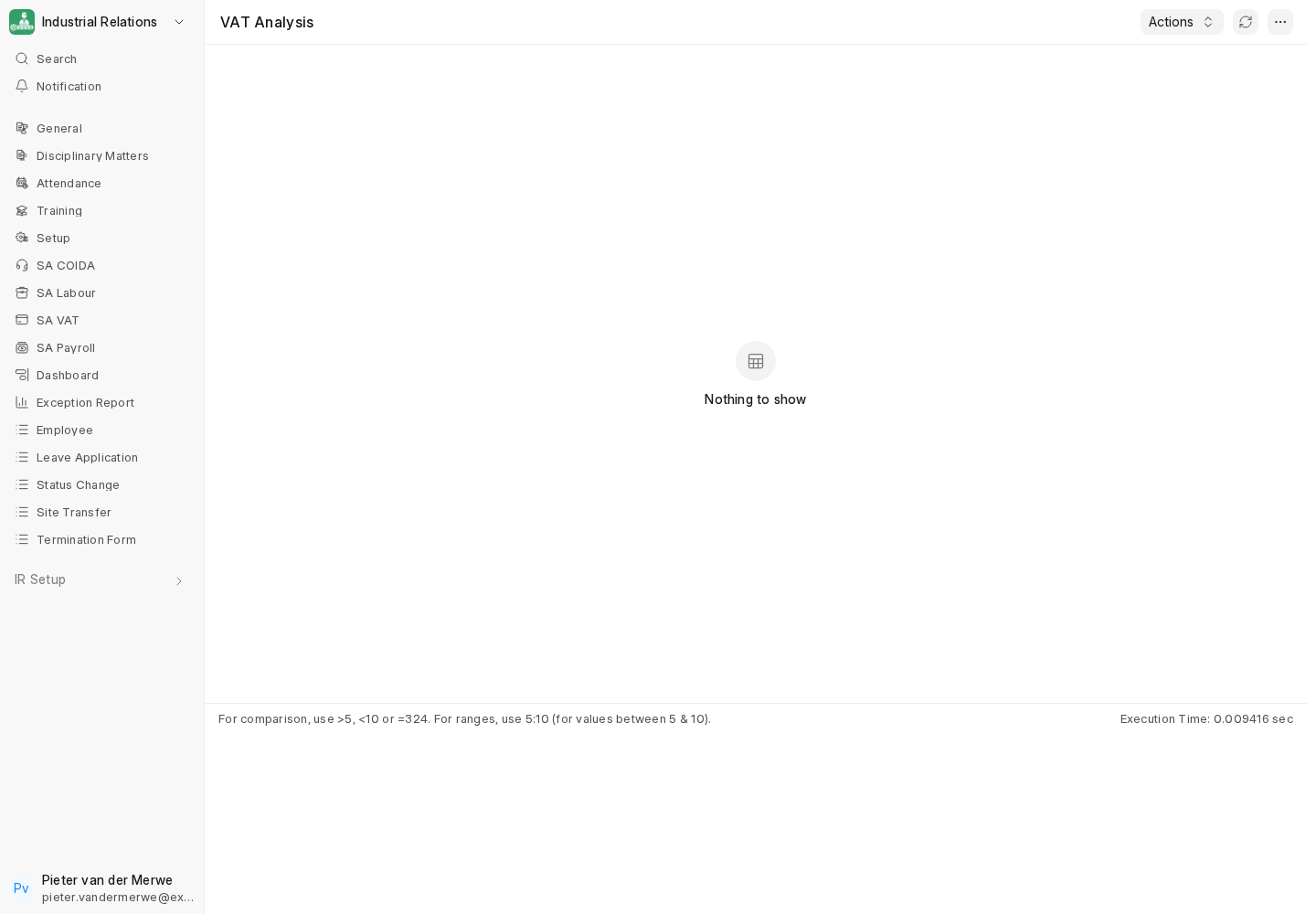
| VAT Analysis | Output and input VAT by period and rate | See the VAT picture for a period at a glance; spot anomalies. |
| VAT 201 Linked Transactions | The individual invoices behind each VAT201 line | Drill from a return figure back to source documents. |
| VAT 201 Account Classifications | How each VAT account maps to a VAT201 box | Confirm accounts are classified to the right return field. |
An ERPNext VAT Audit Report is also available as a final accounting cross-check.
A practical VAT-period workflow
- Run VAT Analysis for the period to see total output and input VAT.
- Build the VAT201 Return and clear any review rows.
- Use VAT 201 Linked Transactions to verify a return line by drilling to its invoices.
- Reconcile the VAT Payable figure against your VAT Output and VAT Input ledger balances for the period.
- Retain the exported support, capture the approved figures on SARS eFiling, and retain the external receipt. The export itself is not a SARS return file.
Reading the numbers
- Output VAT is what you charged on sales; Input VAT is what you paid on purchases.
- VAT Payable = Output − Input (a negative result is a refund).
- Zero-rated and exempt supplies show 0% but are reported separately — that separation matters for the return.
Next
If you run payroll: Payroll Reports. Otherwise: Exporting & Printing Reports.
Last updated 2 weeks ago
Was this helpful?