SA COIDA: Injuries, Claims & Annual Return
The SA COIDA module supports the Compensation for Occupational Injuries and Diseases Act: recording workplace injuries, managing OID claims, and producing the annual Return of Earnings (W.As.8) working paper with the per-employee earnings cap applied.
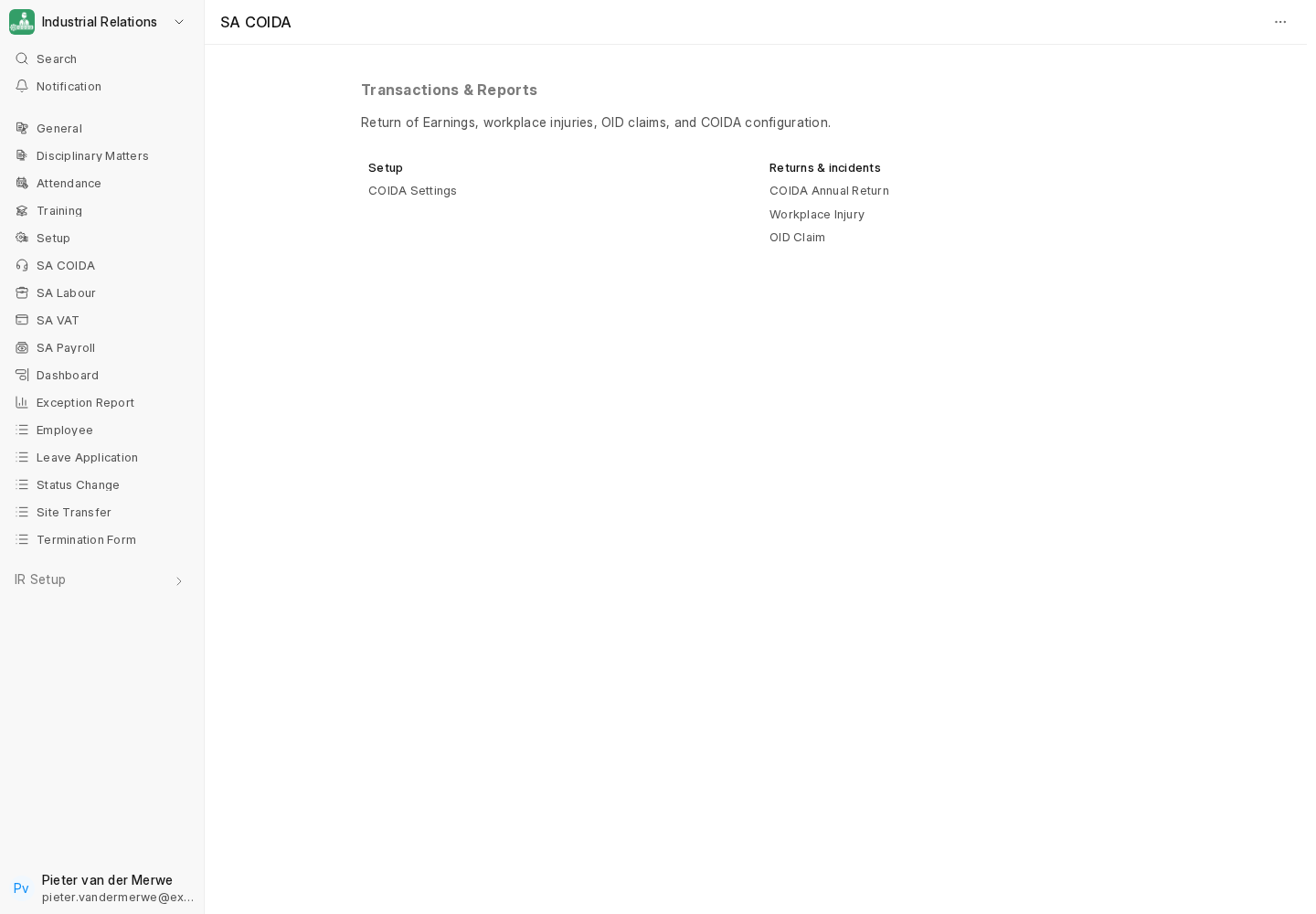
1. COIDA Settings
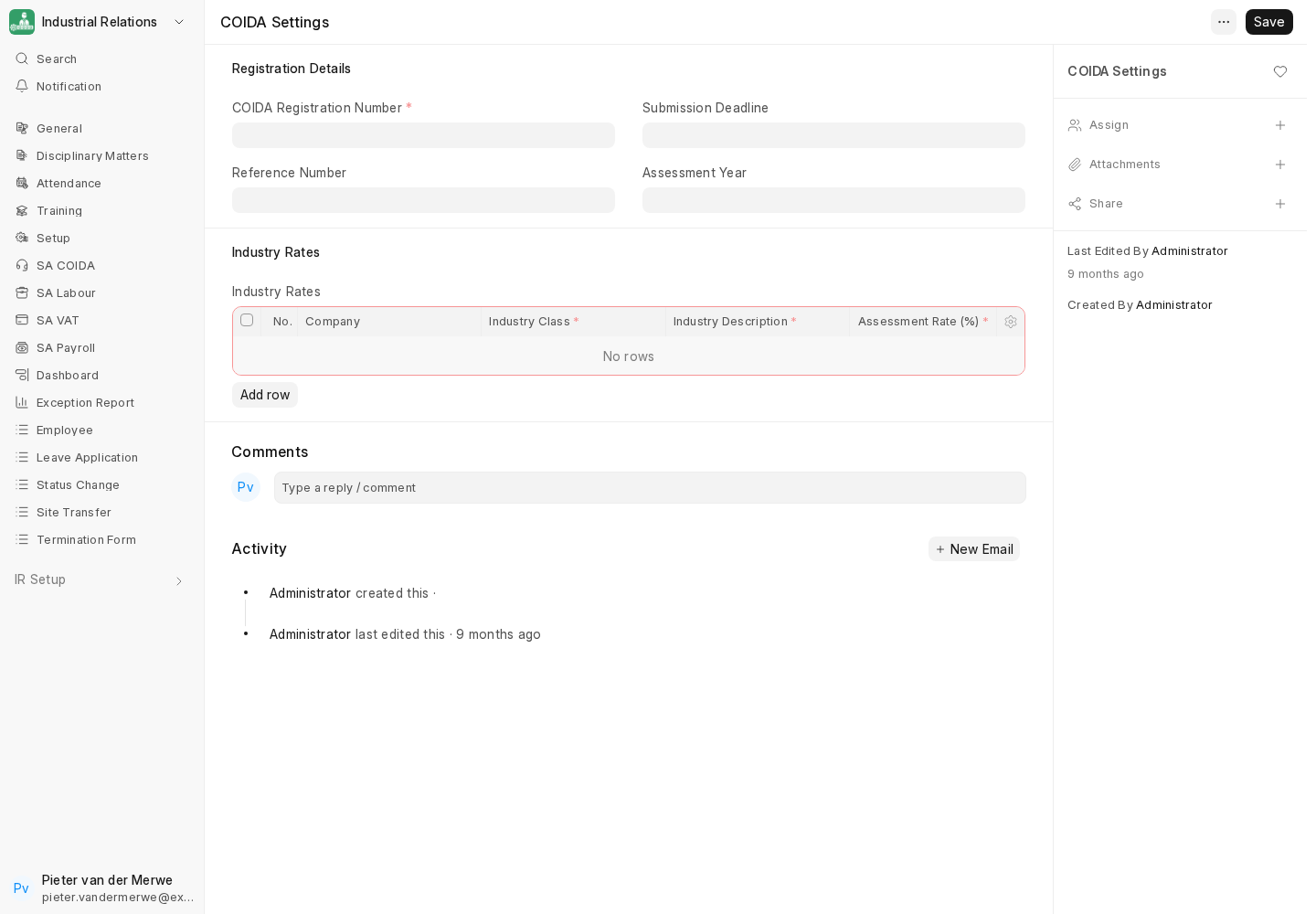
Open the site-wide COIDA Settings Single and capture:
- Shared reference/deadline information only where it applies across the site.
- Industry rates — each row must identify the Company, industry class/subclass and assessment rate assigned by the Compensation Fund.
The company's COIDA registration number can also be set on the Company record.
2. Workplace injuries
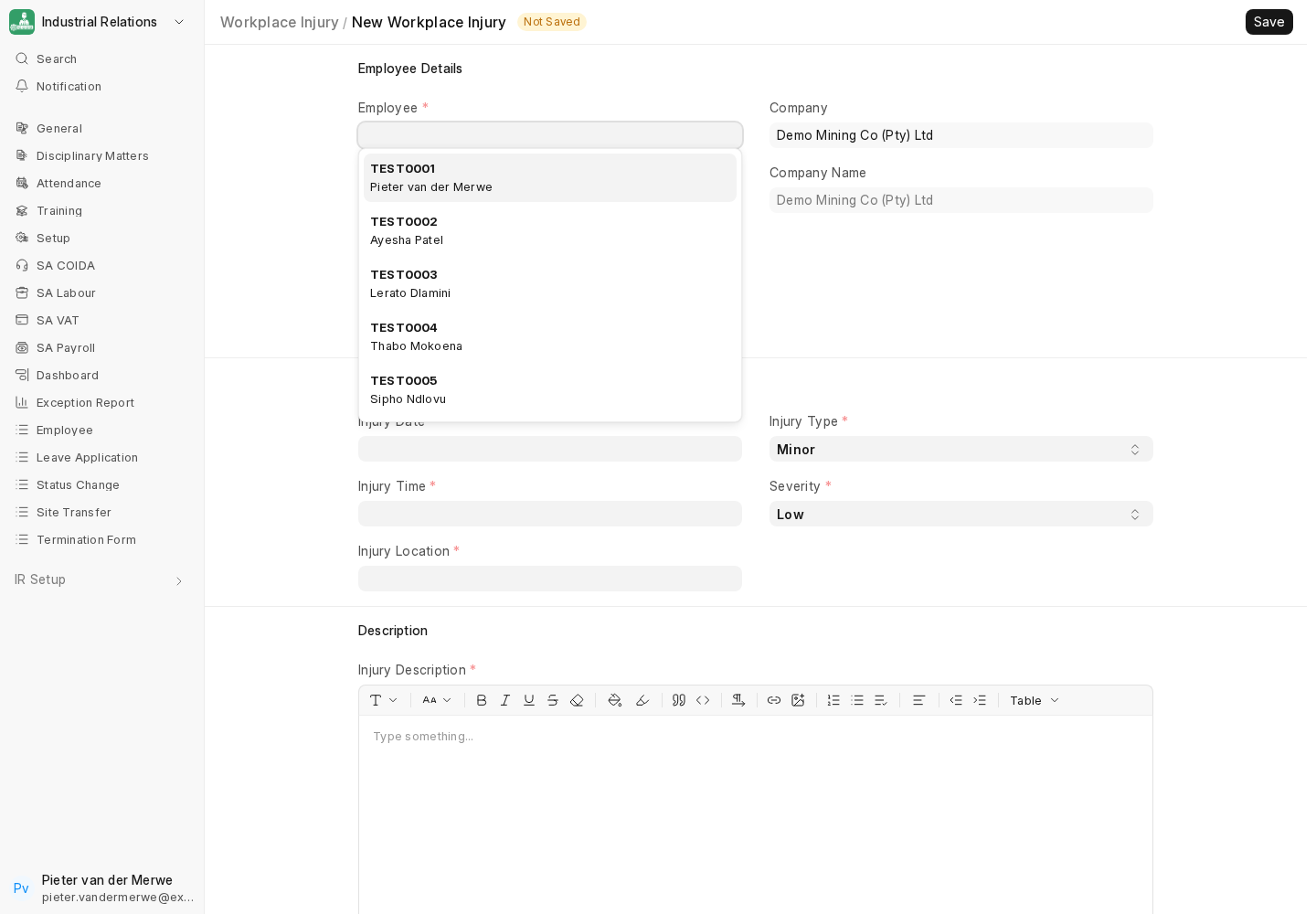
Record each incident in Workplace Injury: employee, injury date, type, location, description, expected recovery, and flags for whether leave is required, an OID claim is required, and medical attention was provided. Leave days can be tracked from here.
3. OID claims
Where a claim is warranted, submit the Workplace Injury with Requires OID Claim; creation failures abort so the injury is not silently submitted without its requested draft claim. HR Managers/System Managers control submitted-claim transitions. Approval requires compensation, and Paid requires a payment date. Medical evidence may be added after submit. Treat diagnosis and identity data as restricted health information.
4. COIDA Annual Return (Return of Earnings)
The annual return calculates the assessment on employee earnings for the assessment year (1 March to end February), capped per employee.
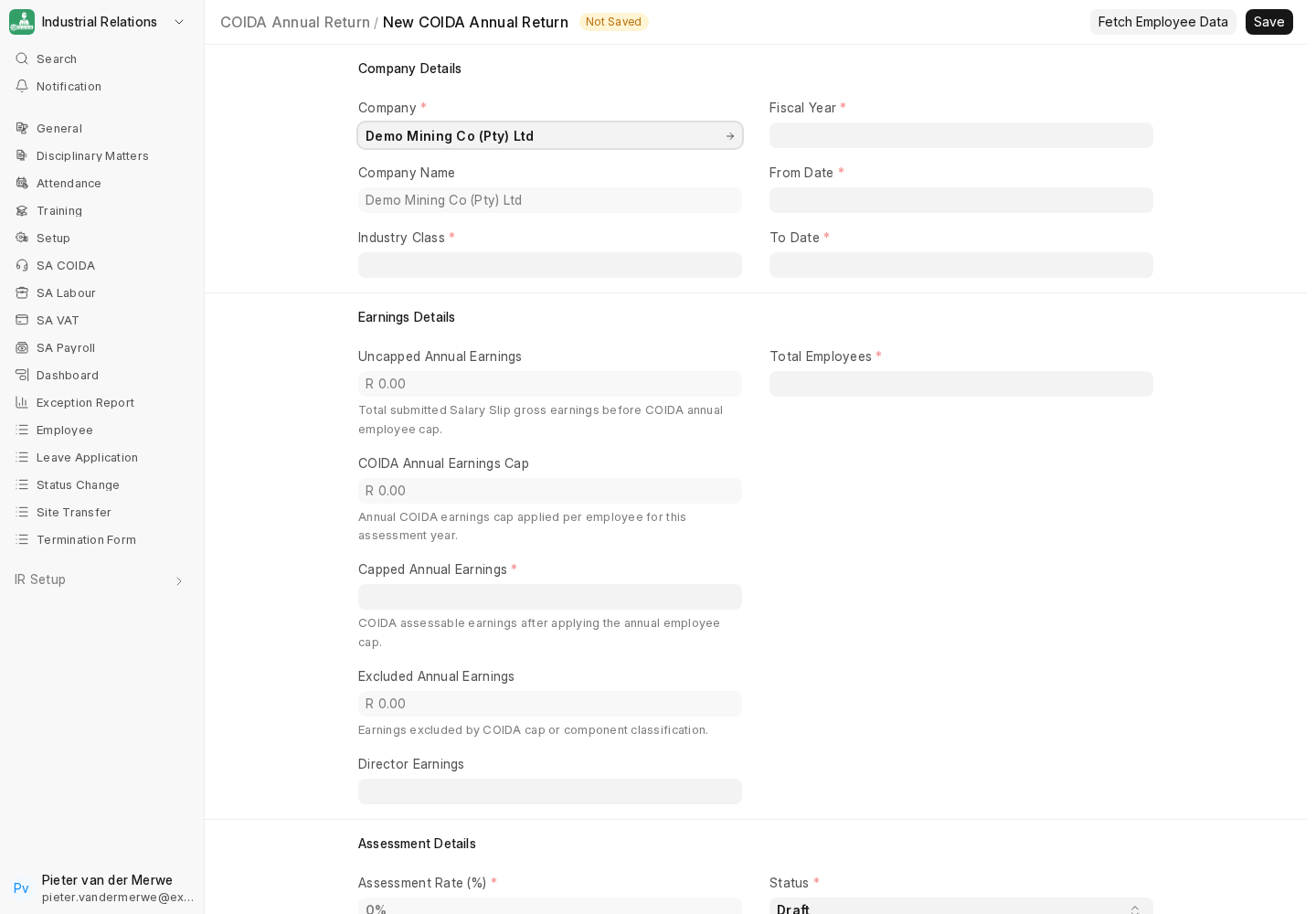
- Go to COIDA Annual Return → New. Select the Company and a Fiscal Year that is exactly 1 March to the last day of February.
- Fetch earnings. The return aggregates COIDA-applicable Salary Components from submitted Salary Slips fully contained in the year and excludes reimbursements.
- Per-employee cap. Earnings are capped per employee at the date-effective rate-pack ceiling. The configured 2026/27 cap is R668,000; confirm it against the applicable Compensation Fund notice before filing.
- Assessment. The return computes the assessment = capped total earnings × the industry assessment rate.
- Review and file. Check the employee count, capped earnings and director earnings, then export/print for submission to the Compensation Fund. ir produces the working paper; submission is manual.
Reconciliation
Cross-check the return's total earnings against the Payroll Register for the assessment year, after the per-employee cap. Confirm the assessment rate matches the Compensation Fund's notice for the company's industry class.
Next
See the Reference & Operations section for the custom-field reference, the annual update procedure, and troubleshooting.