Overview & Architecture
South African localisation (originally the standalone za_local app, "SA Localisation", published by Cohenix) is now part of ir (Industrial Relations). It provides South African configuration, calculations, working papers and operational controls for ERPNext and HRMS: VAT, PAYE/UIF/SDL/ETI payroll, COIDA and labour administration, subject to the employer's practitioner review and external filing processes.
This guide takes a new practitioner from an empty site through to committing payroll and filing statutory returns. ir requires both ERPNext and HRMS (Frappe HR) — there is no payroll-optional install; every South African company configured through ir gets the full set of VAT, payroll, labour and COIDA features.
The modules
The South African localisation content lives in five of ir's modules, each reachable from the single unified Industrial Relations sidebar (not a separate app):
| Module | Workspace | Purpose |
|---|---|---|
| ir_setup | IR Setup | Installation, the ZA Local Setup wizard, master/reference data, custom fields |
| ir_vat | SA VAT | VAT settings, rates, VAT201 return, VAT reports, tax-invoice print formats |
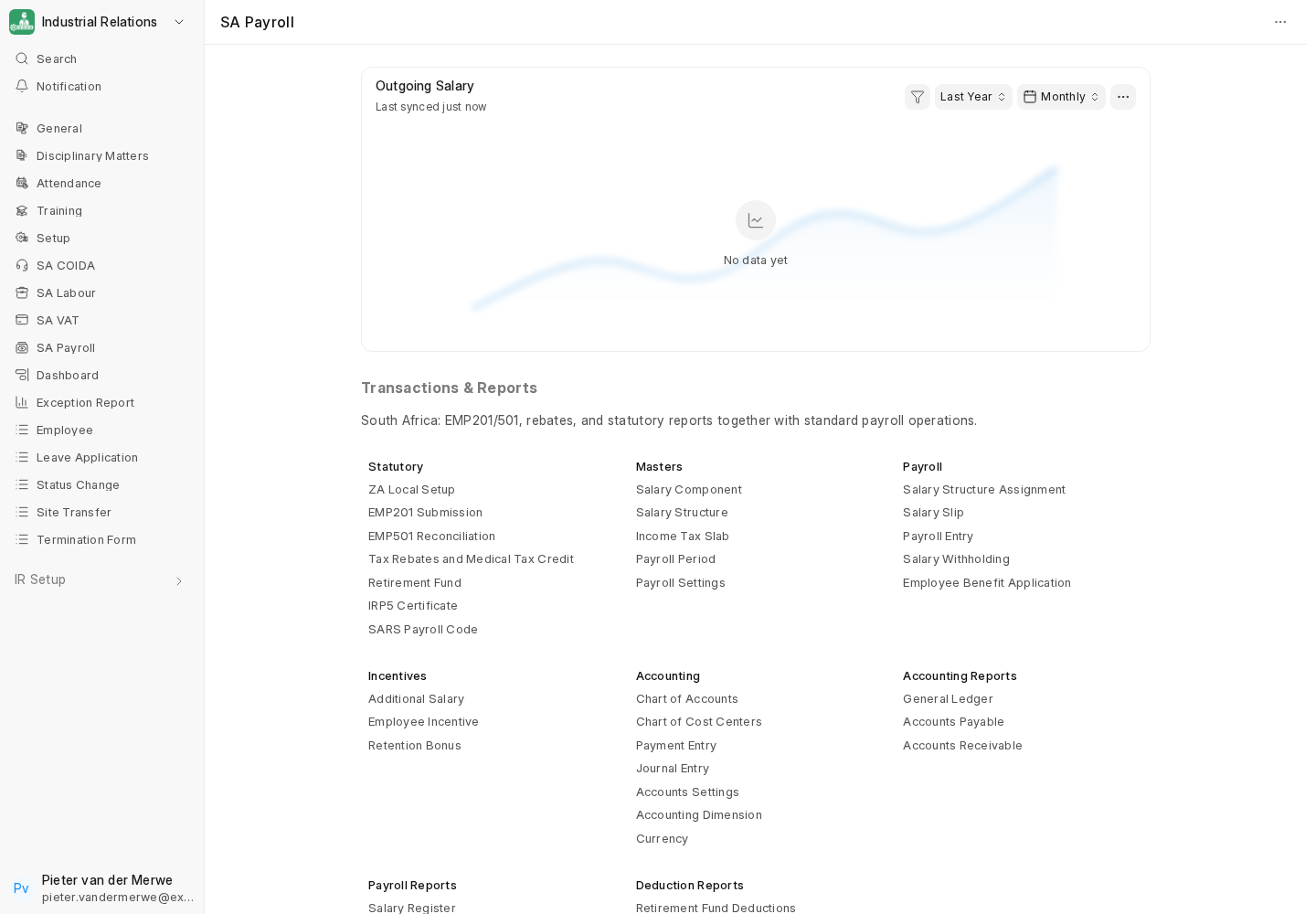
| ir_payroll | SA Payroll | PAYE/UIF/SDL/ETI, salary slip, EMP201, EMP501, IRP5 |
| ir_labour | SA Labour | SETA, bargaining councils, skills (WSP/ATR), Employment Equity, business trips |
| ir_coida | SA COIDA | COIDA settings, workplace injuries, OID claims, annual return |
How it plugs into ERPNext and HRMS
ir does not replace ERPNext or HRMS, it extends them:
- Custom fields are added to standard DocTypes (Company, Customer, Item, Employee, Salary Component, Payroll Settings, Address, and others). These are applied automatically on install and migrate as fixtures. See the Custom Fields Reference.
- Controller extensions add SA VAT logic to Sales Invoice and Purchase Invoice, and SA payroll logic to Salary Slip, Payroll Entry, Additional Salary, Leave Application, Employee Separation and Salary Structure Assignment. All of these are always active — HRMS is a hard requirement of ir, so there is no HRMS-absent fallback to consider.
- Document events protect the SARS audit trail by preventing deletion of posted sales/purchase documents and validating SA VAT numbers on Customer.
- Print formats provide SA-oriented invoice and certificate layouts. The operator must verify required particulars and rendered output for each transaction; a template is not legal certification.
- A date-effective statutory rate engine (
ir.utils.statutory_rates) resolves PAYE brackets, rebates, medical credits, UIF, SDL, ETI, travel, retirement and lump-sum values for the payroll date, instead of hard-coding rates. See Statutory Rate Data.
The South African tax year
The SA tax year runs 1 March to the last day of February. The "year of assessment" is the calendar year in which it ends, so the 2026-2027 tax year (1 March 2026 to 28 February 2027) has year of assessment 2027. Statutory rate files in the app are suffixed with the year of assessment (e.g. statutory_rates_2027.json). Keep this in mind whenever you create a Fiscal Year, Payroll Period or Income Tax Slab.
VAT201, EMP201, EMP501, IRP5/IT3(a), COIDA and labour records are working papers. ir does not submit to SARS, e@syFile, eCOID, SETA or Department of Employment and Labour portals, and it does not produce the SARS BRS payroll-import/encrypted reconciliation formats.
What to read next
- Prerequisites & Installation
- Post-Install Verification
- Then Foundation Setup, followed by the VAT and payroll sections.